![LOGO_WV-1.png]](https://help.martianlogic.com/hs-fs/hubfs/LOGO_WV-1.png?height=40&name=LOGO_WV-1.png)
Navigate to Compliance -> Compliance -> Dashboard
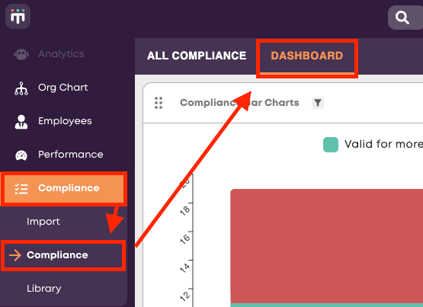
The dashboard graphs are fully interactive. You can click on an individual category to take you to the list of employees who fall into it.
The top bar graph shows all compliance items broken down into three categories:
- Valid for more than 30 days
- Expires within 30 days
- Non-compliant
The pie graphs underneath show the same breakdown for each individual compliance item. These are also interactive and can be clicked on to show the employees.
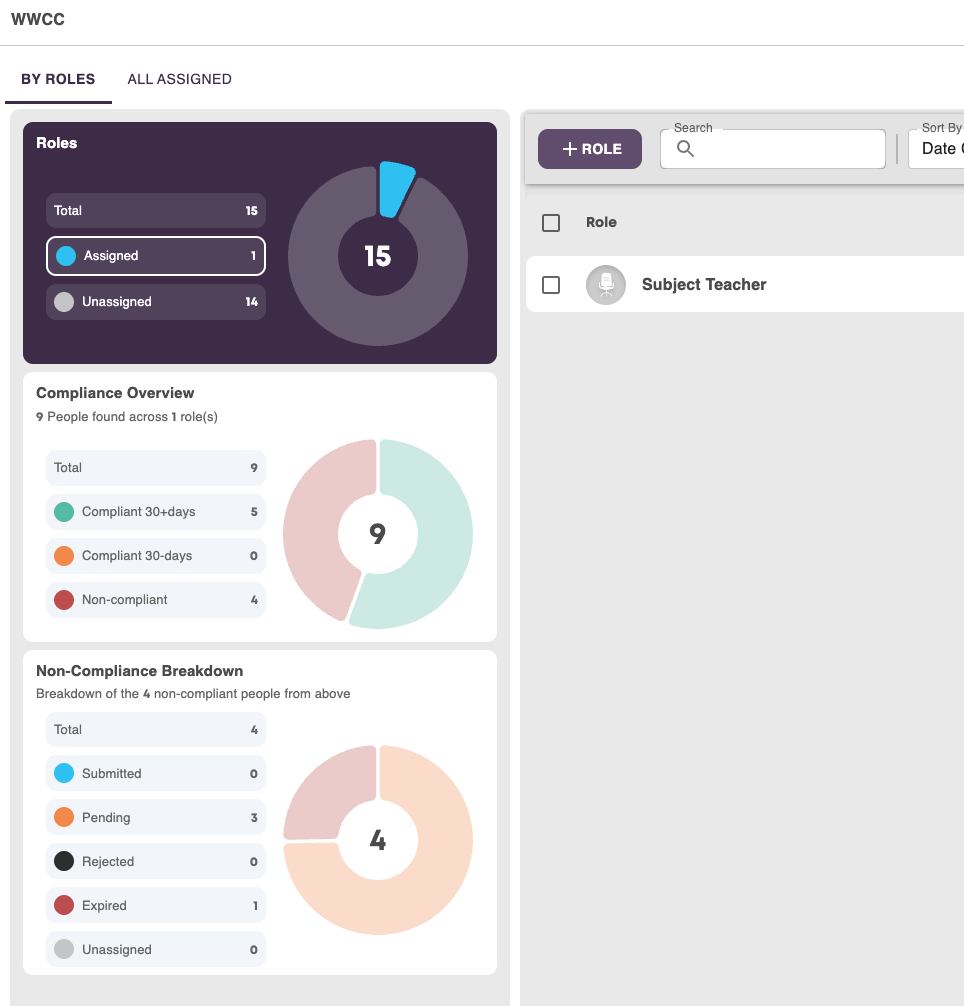
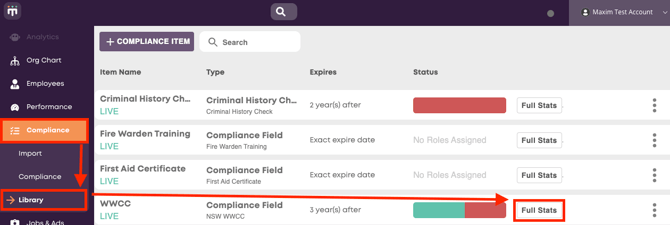
Another area to view compliance data is in Compliance -> Library and selecting 'Full Stats' on any of your compliance items.
You can then break the overview down by role, compliance status or by the individual employees who have the items assigned.