![LOGO_WV-1.png]](https://help.martianlogic.com/hs-fs/hubfs/LOGO_WV-1.png?height=40&name=LOGO_WV-1.png)
Step 1.
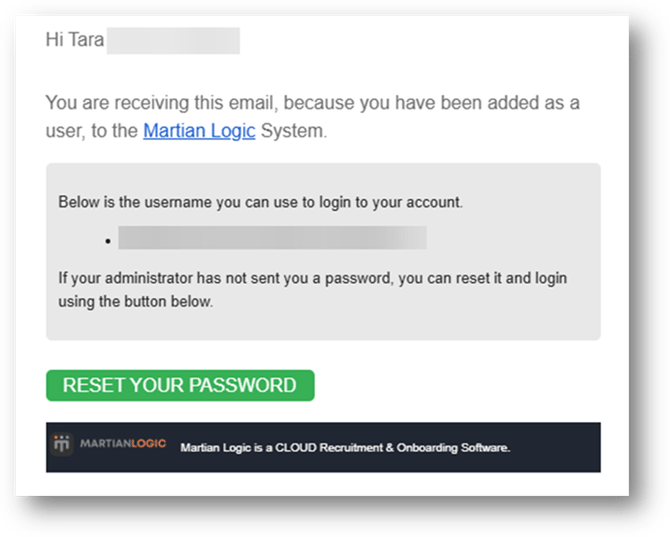
You will have either received an email from Martian Logic to reset your password or been provided with a link to the self service portal.
Once you have received your activation email, select ‘Reset Password’
If you have already reset your password, move to step 3.
(Please speak with your manager if you have not received your activation email, ensuring you have checked your junk mail.)
Step 2.
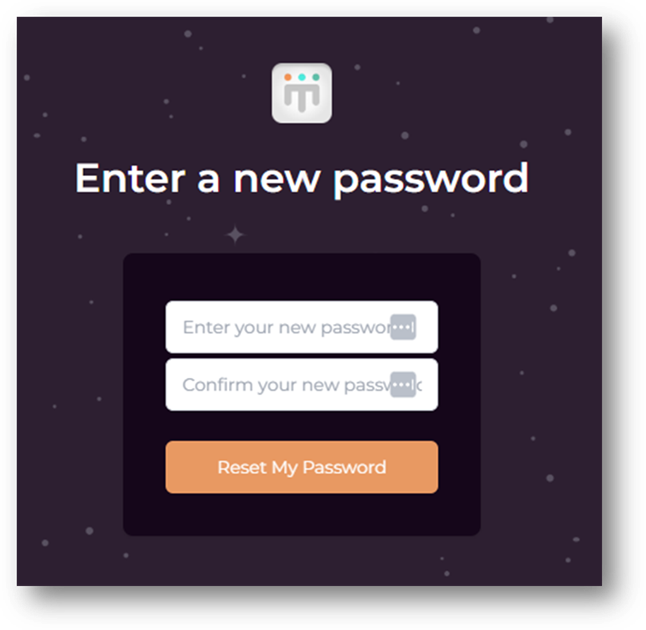
Enter your password, ensuring you meet the following password criteria before hitting ‘Reset Password’:
-
Password must have one upper case letter
-
Password must have a special character e.g. @!#
-
Password must contain at least 1 number
-
Passwords must match
Step 3.
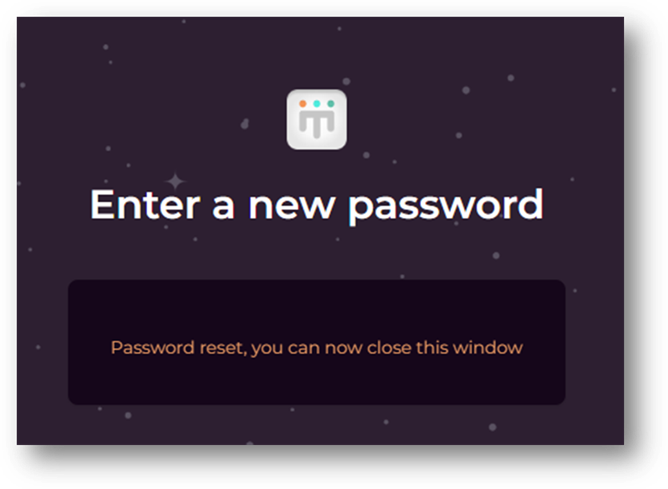
Once your password has been set, close the window and return to the home page.
Step 4.
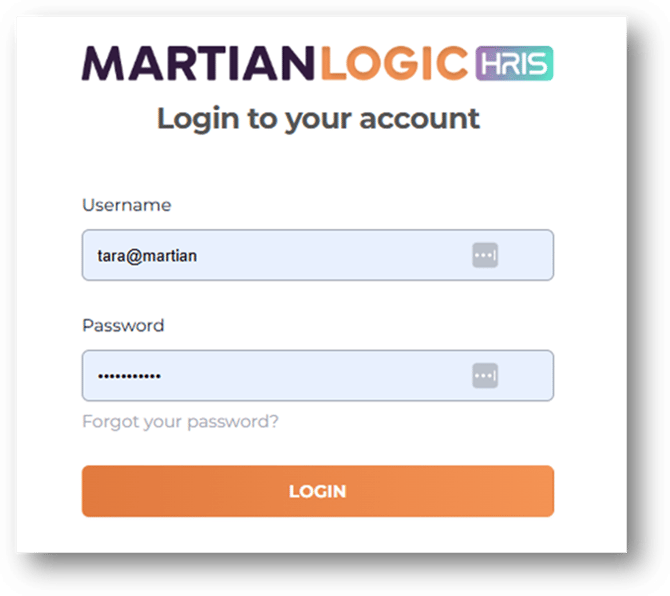
Enter your log in information and click Log In
Note: your username is located in your initial activation email, and is usually your work or personal email address.
Step 5.
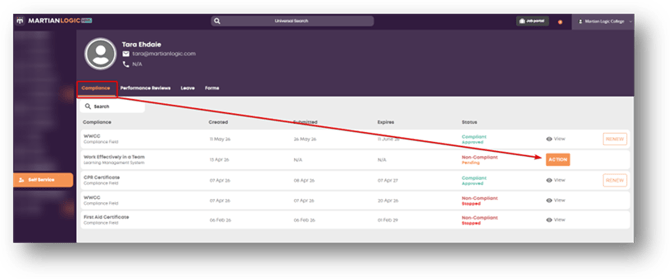
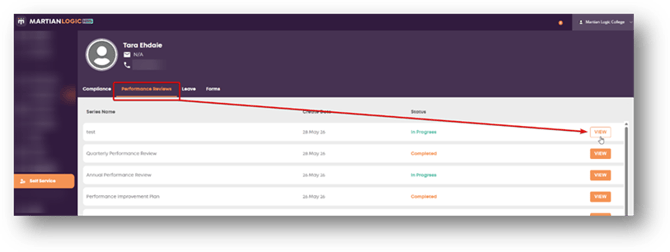
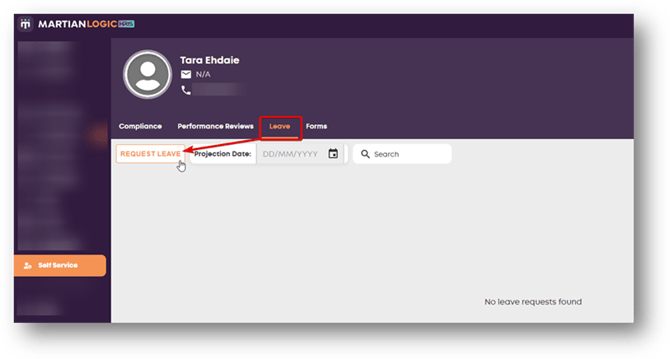
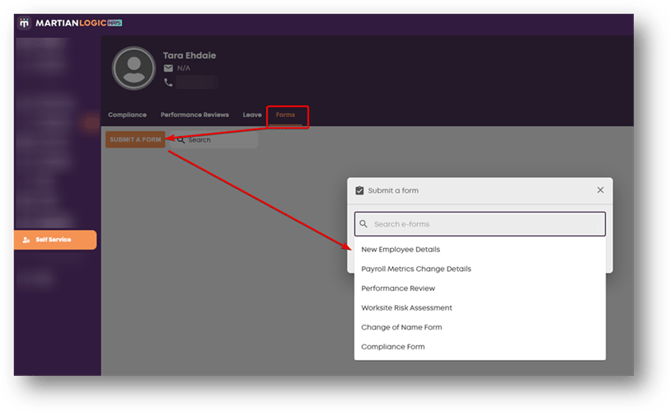
Once you have logged in, you will see 4 tabs beneath your personal details. Use these tabs to navigate your employee self-service.
Compliance: Compliance items assigned to you will appear under Compliance. Select ‘Action’ on the item and enter the requested information.
Performance Reviews: Performance reviews will appear under the performance review tab once assigned to you. Select ‘View’ and enter the requested information.
Leave: Leave forms may appear under the Leave tab, however, may also be located within the Forms tab;
Forms: Forms made available by your organisation will be available within the forms tab. Select the ‘Submit a Form’ button, and select the form you’d like to submit. Enter the relevant information and click ‘Submit’
You will be notified via email when you have been assigned compliance items, performance reviews or your leave requests have been approved/rejected.
If you are having trouble logging in, contact your HR manager for a password reset email.