![LOGO_WV-1.png]](https://help.martianlogic.com/hs-fs/hubfs/LOGO_WV-1.png?height=40&name=LOGO_WV-1.png)
Step 1.
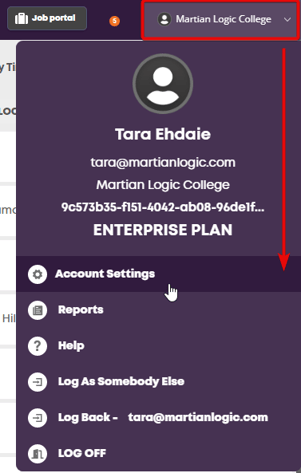
Select 'Account Settings' from your account menu
Step 2.
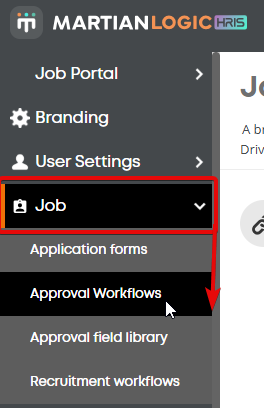
Select 'Approval Workflows' from the Job menu
Step 3.
Select the Actions button on workflow you would like to amend, and select 'Duplicate'

Step 4.
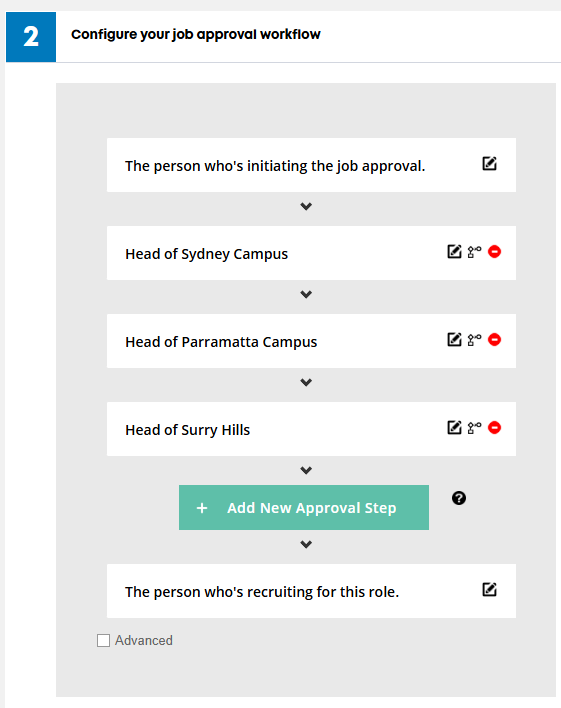
Open the duplicate workflow and scroll down to the approval section.
NOTE: Use the duplicate to make your changes, before making it live and deleting the old workflow.
Step 5.
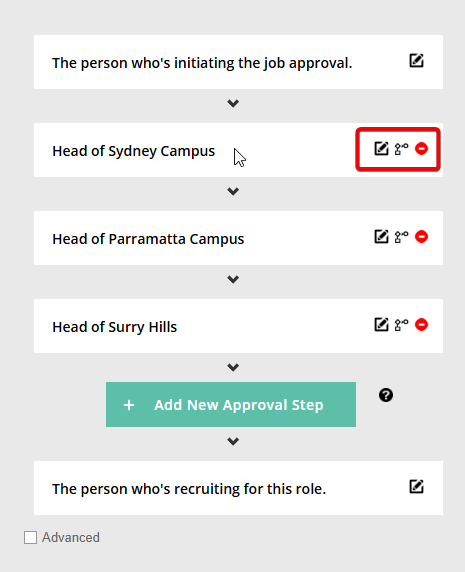
Make your changes by using the icons to the right of the approvers
Step 6.
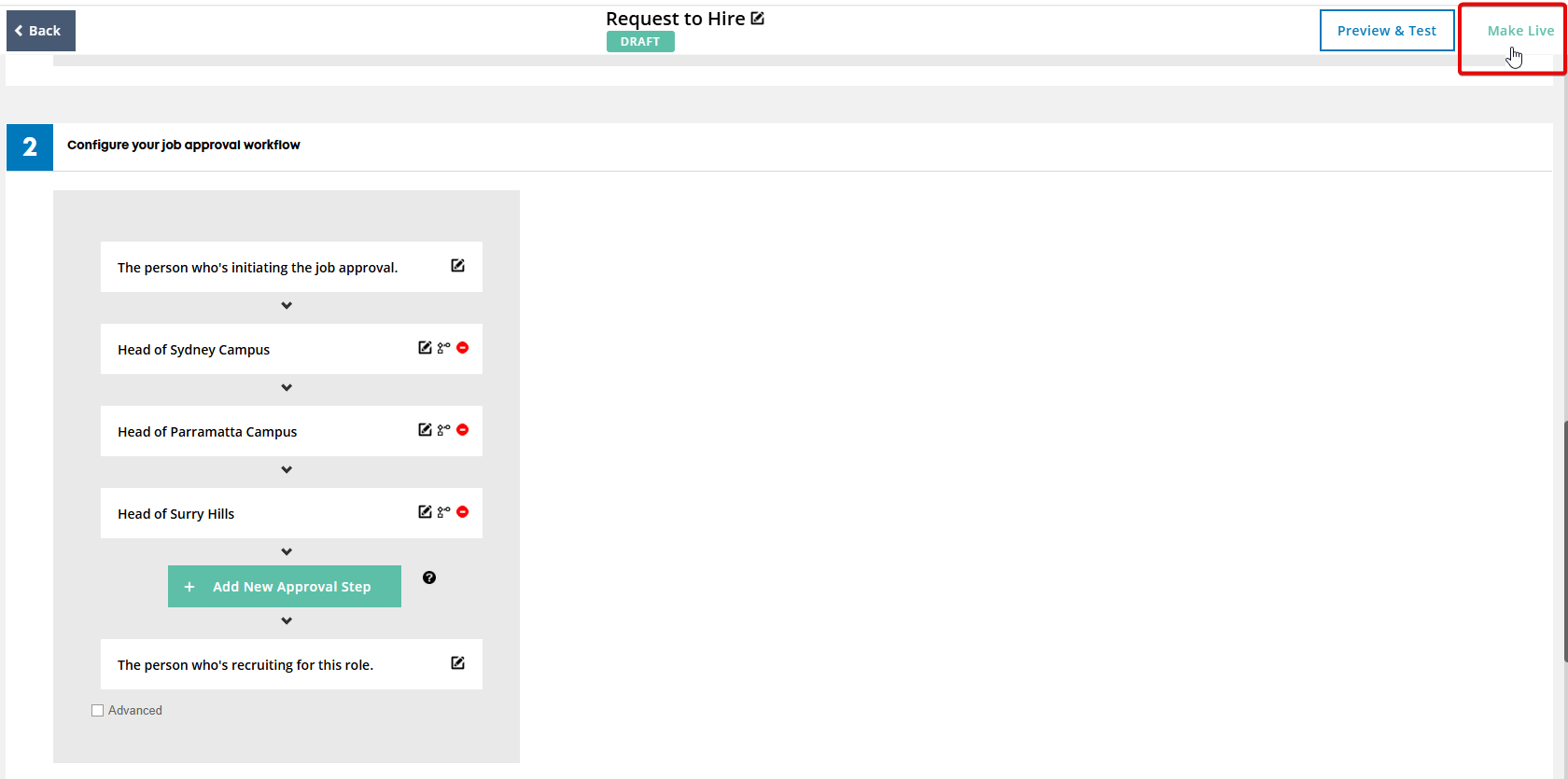
Make the workflow live, and delete the old workflow